How the Lynqorven AI Platform Works
Lynqorven combines intelligent automation with a structured user interface to deliver data analysis, organised insights and workflow tools — all accessible through a single digital workspace.
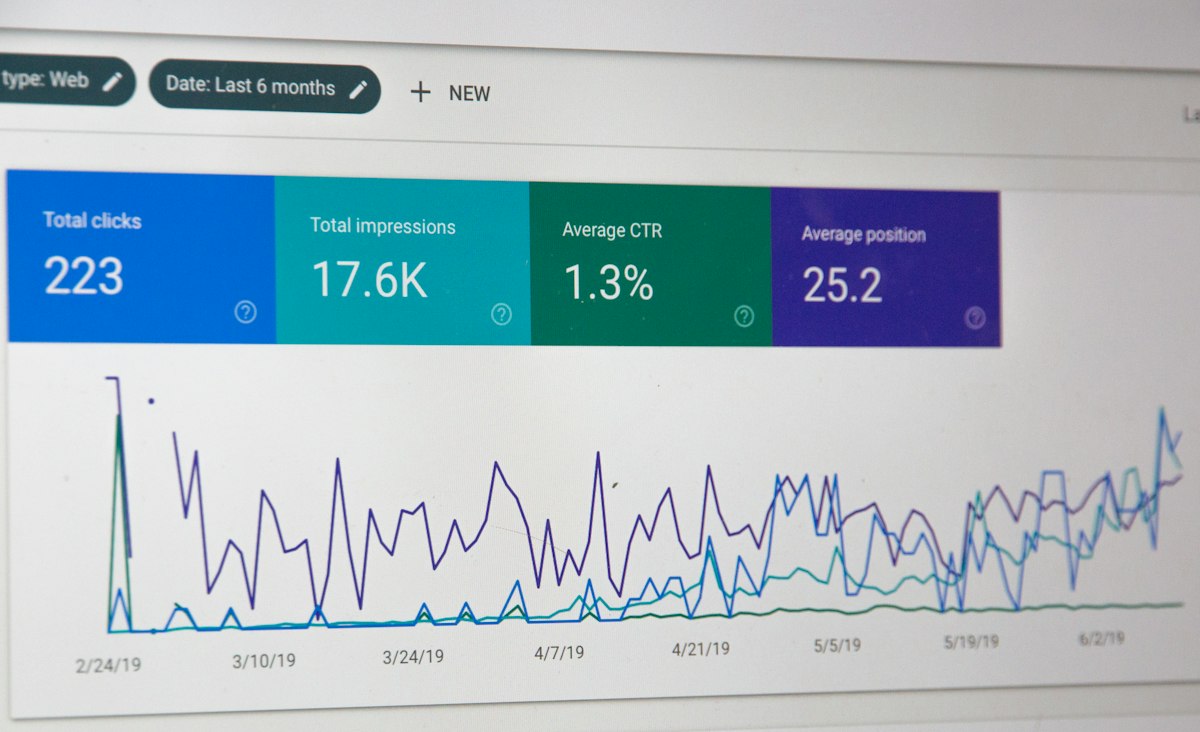
Core Features
Six Ways Lynqorven Helps You Work Smarter
Every feature of the Lynqorven platform is designed to reduce manual effort, surface relevant information and support clearer decision-making.
Data Analysis
Submit structured or unstructured data to the platform and receive a systematically organised analysis. The automated system processes inputs and returns clear, categorised outputs to your dashboard.
Automated Insights
Lynqorven's intelligent system generates personalised insights from your submitted information. Insights are presented as structured signals based on available data — with no speculation or unverifiable claims.
Personal Dashboard
Every user has access to a personal information dashboard. This central workspace displays your data submissions, processed results, insight history and platform activity in a unified view.
Guided Access Process
New users follow a step-by-step onboarding process. From the initial access request to dashboard setup, the Lynqorven support team provides guidance at each stage.
User Support
The Lynqorven support team is available by email, phone and contact form. Whether you have pre-access questions or need help with platform features, assistance is always available.
Secure Digital Interface
Platform access is protected by a structured onboarding and verification process. All data submitted through the platform is handled within a secure digital environment.
Access Process
How to Get Started with Lynqorven
Access to the Lynqorven platform follows a clear, guided process. Each step is designed to be straightforward, and the support team is available to assist at any point.
Submit an Access Request
Complete the access request form on the Contact page. Provide your name, email address, and a brief description of how you intend to use the platform.
Review by the Support Team
The Lynqorven team reviews every request. If additional information is needed, a team member will follow up by email before a decision is made.
Receive Onboarding Instructions
Approved users receive a welcome message with login credentials and step-by-step onboarding instructions for setting up their personal dashboard.
Configure Your Dashboard
Follow the guided setup to personalise your dashboard preferences, connect your data sources and configure automated insight notifications.
Use the Platform
With setup complete, you have full access to all Lynqorven platform features — data analysis, automated insights, workflow tools and ongoing user support.

Ready to Begin
Start Your Lynqorven Access Request Today
Submit a request through the contact form and a member of the Lynqorven team will be in touch to guide you through the next steps.